
Free Fire Invisible Space (ㅤ) – How to Get and Use Blank Name Codes
Note: Keep trying different codes until one works from the “All in One” set. (This suggests you have a collection of codes and should test them all.)
🔥 Free Fire Empty Code Generator
Generate invisible text using multiple Unicode characters
Big Space (Hangul)
Small Space (Braille)
Very Small (Directional)
Manually adjust the number of invisible spaces
🔸 Hangul Filler
🔹 Braille Blank
🔺 LTR Mark
ℹ️ How it works:
This generator uses multiple Unicode invisible characters that appear completely blank but are valid characters. Paste them in Free Fire to create a blank or spaced name.
📋 Available Unicode Characters:
These days, many Free Fire players are experimenting and trying out new methods to make their names look unique. Some players use fancy names, but that method has become old now.
These days, Free Fire Invisible Space is being used, and with it, you can easily become an anonymous player. By staying anonymous, you can play freely, and no one can report your ID if your name isn’t even visible.
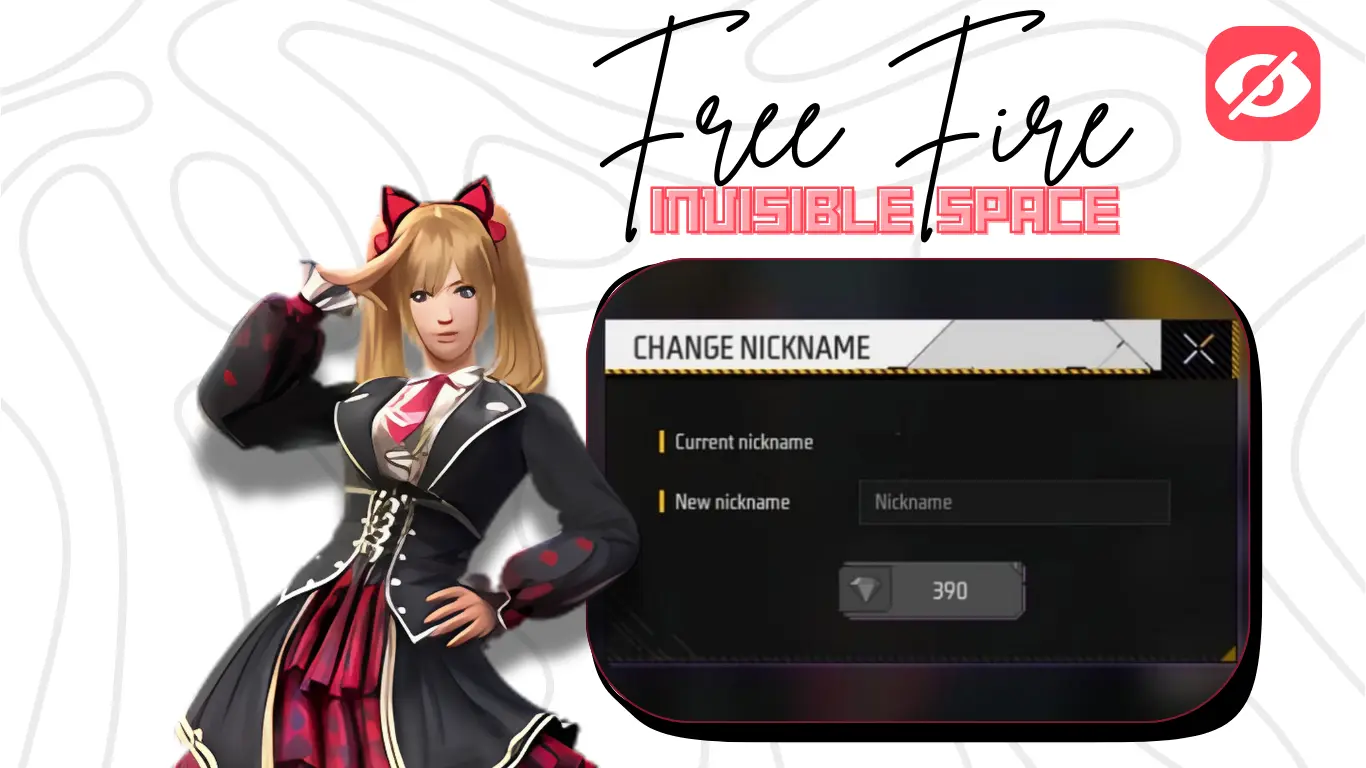
What Is Free Fire Invisible Space Name?
Free Fire Invisible Space Name Generator is used to create a hidden or anonymous profile name. It hides your real name from other players and gives a unique impression. You can use this trick to make your profile look anonymous with invisible characters.
Benefits of using invisible name space in Free Fire
- You can Hide your identity
- Your profile Look cool and unique
- Harder to report your account
How to Create an Invisible Name in Free Fire
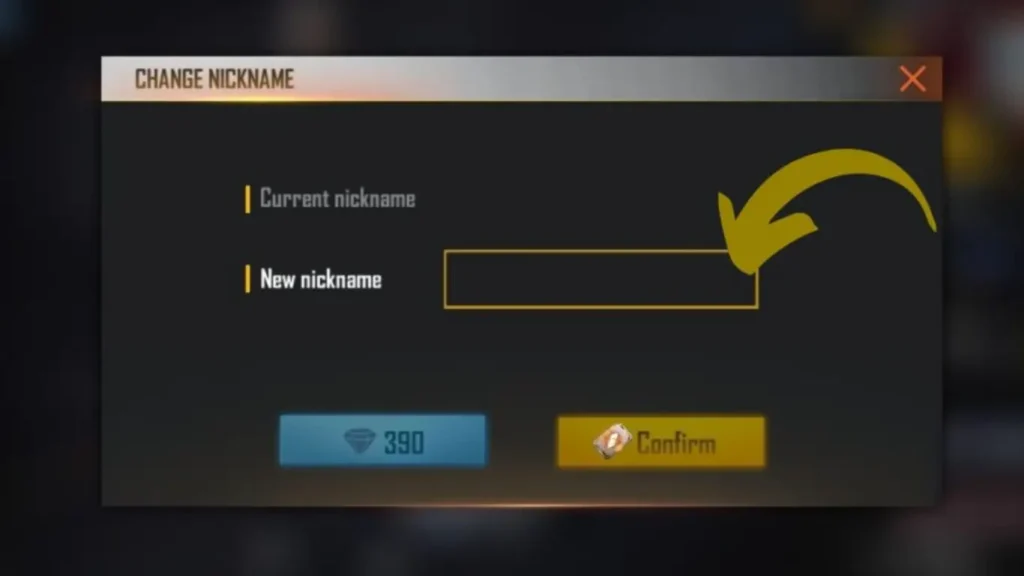
First, you need to copy the Free Fire Invisible Space Text from the empty character generator for FF hidden name. Then, go to your profile and paste it into the name change section (not the username). Remember, you can only change your profile name, not your username. Paste it and you’re done.
How to Get Free Fire Invisible Name Code
You can use invisible character generator websites for free. You don’t need to pay for a single character. You can generate unlimited empty space names. Just make sure that the name change option is available in your Free Fire account, or the name won’t change.
Step 1: Use an Invisible Character Generator
Use tools U+3164 Hangul filler like TextInvisible.org to get free invisible space characters. You can choose options like big space, large space, or small space as needed.
Step 2: Copy the Invisible Text
Select the number of Free Fire Invisible Space below, then copy as much as you need. If you want 1000 spaces, you can generate that too.
Step 3: Paste in Your Profile Name
Once you generate the Free Fire Invisible Space and are ready to change your profile name, go to your Free Fire profile, tap on the name, paste the invisible text, and confirm.
Here is a short instruction guide of Free Fire space name code:
Go to Free Fire → Profile → Name → Paste → Confirm.
How to Hide Identity in Free Fire
You need an Free Fire Invisible Space generator website to create a Free Fire blank name. It helps you hide your identity, play anonymously, and protect your profile from being reported.
FAQs about Free Fire Blank Name Trick
Conclusión
In this conclusion we discuss about Free Fire Invisible Space generator how you can paste empty space in your profile many user cannot know how to use and how poeples are using this method in this article we provide information full guide how you can do it with free website generator you don’t need to pay any apps and not need to install any apps


